
Changer le thème de sa boutique en ligne régulièrement, attire l’œil du visiteur et rend ses visites plus agréables !
C’est en partant de ce constat que l’équipe de Magavenue est fier de vous offrir, maintenant, votre cadeau de Noël.
Habillez gratuitement votre boutique Prestashop avec l’un des deux thèmes que nous mettons à votre disposition.
Vous les trouverez sur la boutique Magavenue, et pourrez les commander et les télécharger, Tout cela gratuitement et sans engagement.
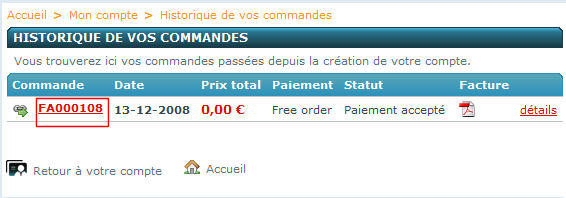
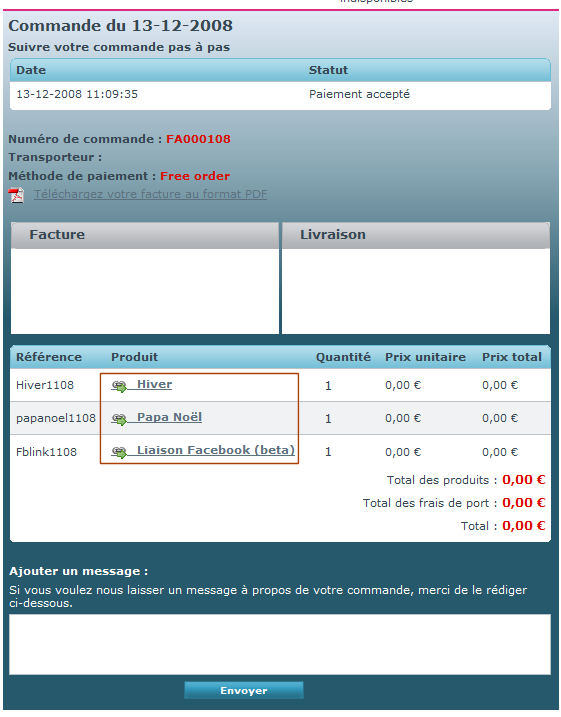
Pour cela : passez une commande avec un ou deux thèmes. A la fin de votre commande, cliquez sur le dernier numéro de facture. Vous trouverez plus bas, les liens de téléchargement.
Nous espérons que cette initiative vous plaira, et nous restons disponible pour tout problèmes dans les commentaires !
Ou directement dans notre fiche contact, vous pouvez aussi nous indiquer les thèmes que vous souhaiteriez trouver.
Courant janvier, nous vous proposerons plusieurs nouveaux thèmes.
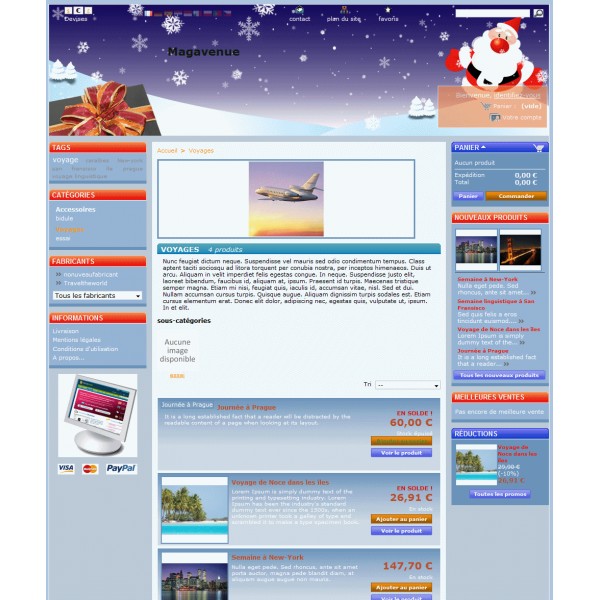
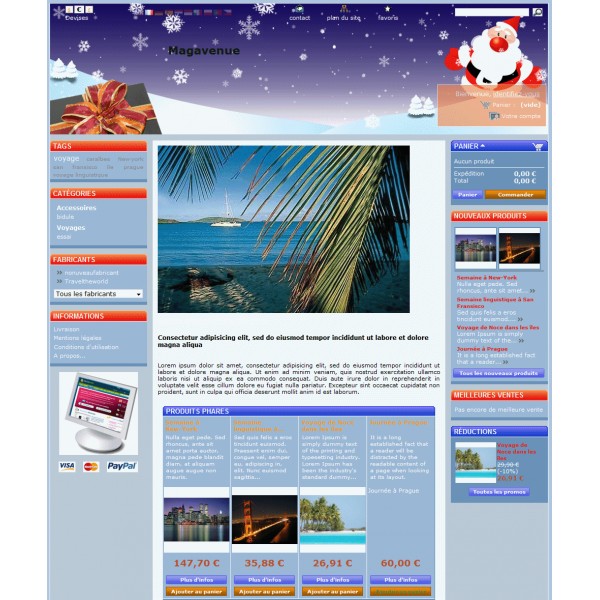
Voici quelques captures d’écrans d’une boutique avec ces 2 thèmes :

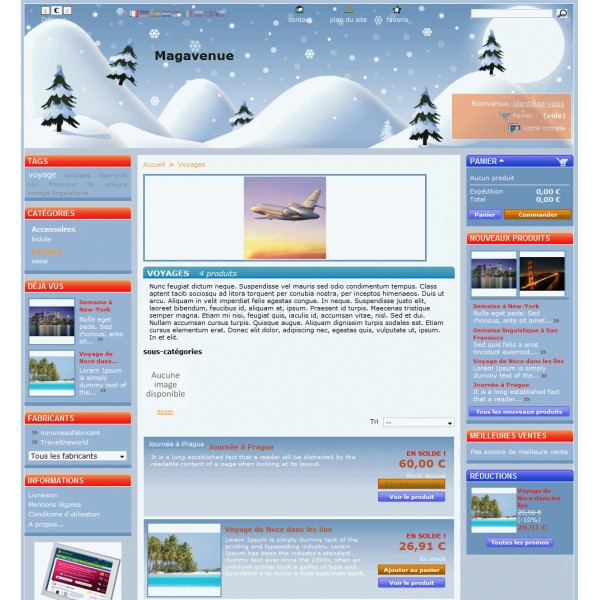
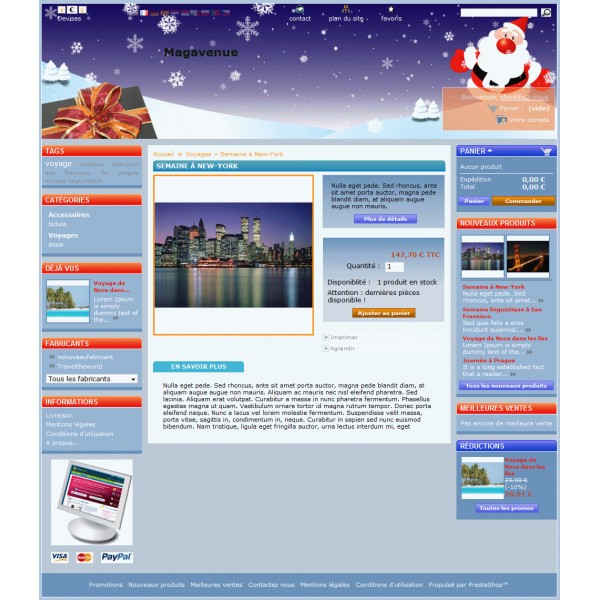
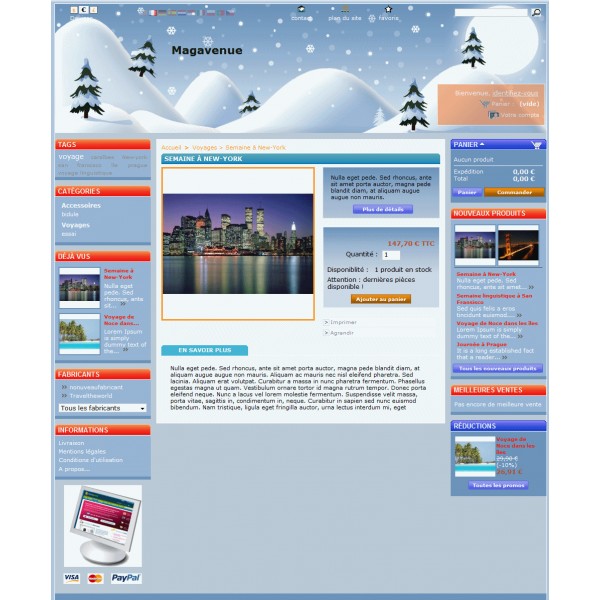
28.11.08 : Mise à jour : Suite à une erreur de version du fichier global.css, les deux thèmes gratuits présentaient un problème sous Internet Explorer. Les thèmes corrigés sont dors et déjà disponible sur la boutique. Les personnes ayant déjà téléchargé les thèmes recevront les nouveaux par e-mail dans l’après-midi.


Sympa ces petits thèmes 😉 Merci en tout cas! L’idée est extra!
simpas,en plus c’est grace a ce site que j’ai connu presta 😀
double merci.
Bonjour à tous.
Comment je télécharge les deux thèmes. J’ai fais une commande et je ne vois pas de lien de téléchargement.
Bonjour Alfrai,
Une fois la commande effectuée, rendez-vous dans l’historique de commandes puis cliquez sur le dernier numéro de commande.
Dans la page vous devriez trouver deux liens « pere-noel » et « hiver ». Cliquez dessus et téléchargez les fichiers.
c’est tres moche.
Merci pour votre commentaire constructif et n’hésitez surtout pas de continuer à commenter tous nos billets de votre plume si habile.
Moche…. Très moche…